
Category: Software

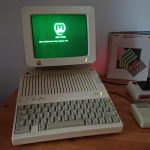
Colin Leroy-Mira, a passionate retro computing enthusiast, has made a significant stride in the world of integration of vintage tech and modern tech with the release of his Mastodon client for the Apple II series, including the //c, IIe, and IIgs models. If you’re intrigued by the idea of bringing a piece of the modern internet to these classic machines, Colin’s creation is bound to either make you giggle incessantly at the idea of posting from your Apple II or…
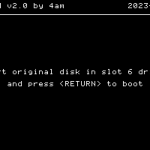
Apple II gaming enthusiasts, brace yourselves for a game-changing release! Anti-M, the ultimate solution for running early Apple II games on any Apple II model, version 2.0 was just released. Developed to provide compatibility across the entire Apple II range, Anti-M allows you to enjoy classic games that were once restricted by overly aggressive copy protection and hardware limitations. Breaking Down Anti-M: What Does It Do? In the early days of Apple II gaming, some titles were notorious for refusing…
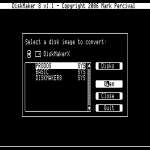
In a move that’s sure to delight many Apple II enthusiasts, Mark Percival’s DiskMaker 8 software has been set free as open source! This announcement comes as a result of a collaboration between Mark Percival and David Schmidt, with the goal of preserving and extending the life of this classic 8-bit Apple II utility. The source code for both ORCA/M (8-bit) and ca65-based versions of the software are now available on GitHub. DiskMaker 8, originally inspired by Eric Shepherd’s 16-bit…
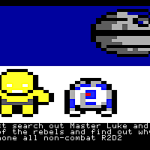
A New Apple II Demo from Daniel Henderson is available. The demo, Star Wars Episode 6 – The Empire is Mildly Offended, is a tongue in cheek, satirical look at Star Wars, the main characters and political, societal stances through the low resolution graphics of the Apple II Computer. The look is taken through a visit to each of 6 planets and the occupying main character with a new perspective on line and then once you have gone through each…
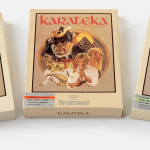
If you need a really good run-through of the various Karateka versions and the different platforms it was produced for, Ernst Krogtoft, shared his collection this month with the world. In a wildly extensive posting on the Retro365 Blog at https://retro365.blog/2023/08/05/karateka-a-stellar-debut/, Ernst shares the various boxes as well as a ton of information and tidbits about Jordan Mechner’s extremely popular game.
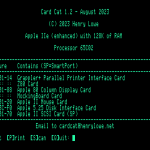
Henry Lowe has released the latest version of his Apple II card recognition software, Card Cat. Version 1.2 now has the ability to recognize more than 70 different peripheral cards in the Apple II computer. There also have been a number of bug fixes included in the latest release. Card Cat version 1.2 includes better detection for the new A2 Analog Cards. You can download the latest version of Card Cat from the Card Cat homepage at:https://henrylowe.net/card-cat/

A.P.P.L.E. has introduced a new Apple II series computer related Games release page which lists games introduced over the past several years. While still in the works, the game page now contains 2022-203 games that have been released by some of the great programmers of the Apple II community. This collection is freely accessible to everyone. The goal of the page is to be a one stop shop for recent game releases announced on the A.P.P.L.E. website or in Call-A.P.P.L.E….
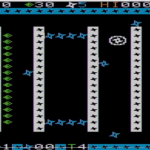
An announcement in the Apple II Software Enthusiasts group by Fabrizio Caruso heralds the 7th game created with the CrossLib library that allows games to be written quickly for more than 200 retro computing platforms. This library was highlighted last year in Call-A.P.P.P.L.E. magazine and has been in the works for a number of years now. According to the announcement: Hi everyone! I present Shuriken, the seventh game I have written in C with my Cross-Lib framework (https://github.com/Fabrizio-Caruso/CROSS-LIB), which provides…

Henry Lowe, the programmer of Card Cat, has announced that version 1.1 is now available for download. The program is a machine card identifying program that runs on the Apple II computer. This update includes: This program has been tested on Apple II emulators as well as actual Apple II machines as well as clones and should work in just about any Apple II environment you are working in. If Card Cat finds a card with a signature but cannot…

In a groundbreaking development for the Apple IIGS community, Alex Lee and Jesse Blue have announced version v0.7 of their “What is the Apple IIGS? Launcher”, a revolutionary way enthusiasts can launch and play their favorite IIGS games. This release, announced as part of Kansasfest 2023, aims to address longstanding issues such as slow read and write speeds of 3.5” disks and compatibility problems between different operating systems and launching methods. The brainchild of a dedicated group of developers, this…

Notes from the Applesauce Floppy Disc Controller client software update: Improvements and Fixes in 1.85 You can download the latest version of the software through the Applesauce FDC Client or from the Applesauce website at: https://applesaucefdc.com/software/
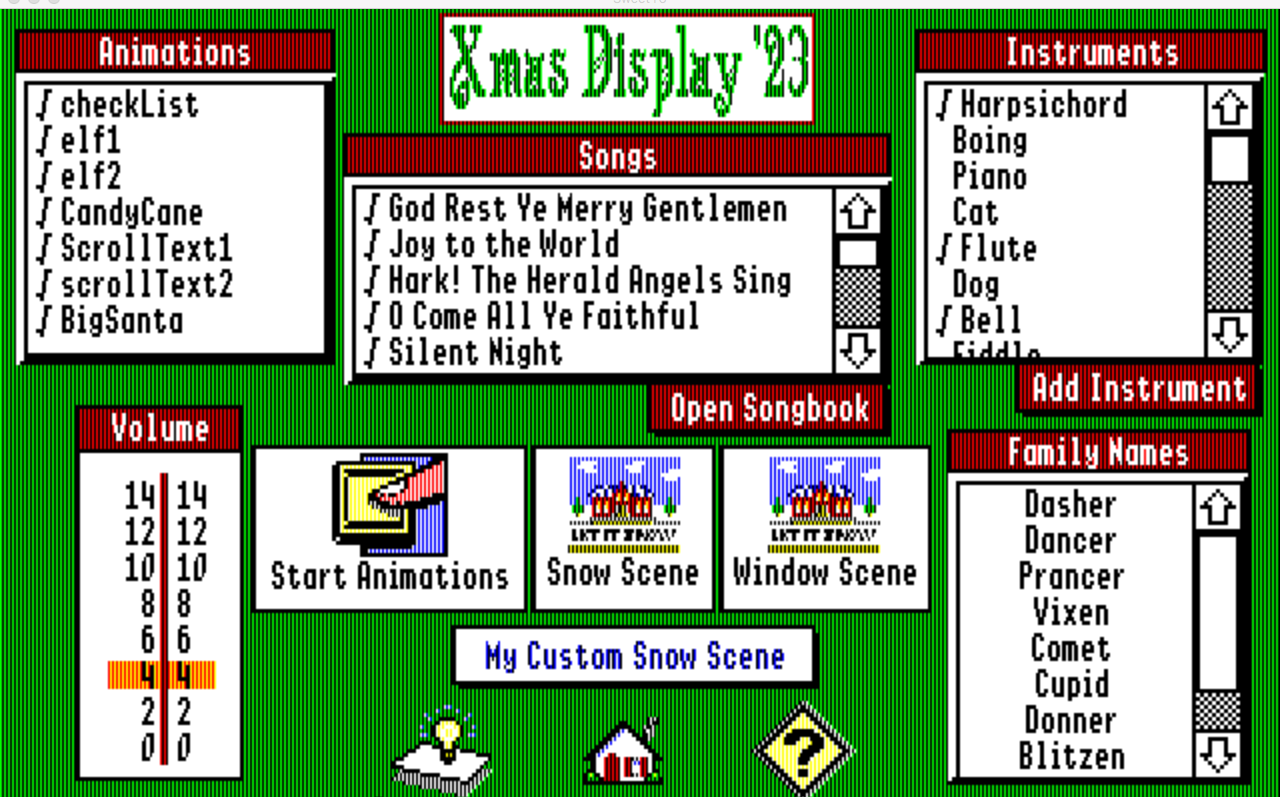
Brendan Belina has been busy with his new bits of hypercard stacks and other goodies just in time for the pre-Kansasfest festivities or Christmas in July. According to his posting, : Recent releases posted on my Silverwand Software Apple II Forever page include updated versions of the HyperCard IIGS stacks Word Fu (a Wordle for English and French speakers), HyperTuneMaker (create tunes using a piano style keyboard), Xmas Display ’23 (songs and graphics displays for the Christmas season), and the…

Joshua Bell has announced the release of Version 1.3 of the community curated Apple II Desktop project. Apple II Desktop, originally known as Mouse Desk, is a fully graphical user interface for the Apple II series computers. The program is available in eight languages and includes support for a number of peripherals in the Apple II as well as Integer and Applesoft BASIC. You can download the latest version of the Apple II Desktop from the Release page at:https://github.com/a2stuff/a2d/releases/tag/v1.3 You…


Seattle, Washington — June 20, 2023 — Apple Pugetsound Program Library Exchange (A.P.P.L.E.) is pleased to announce the immediate release of Space Intruder – a new, exhilarating arcade-style Apple II game developed by Raphael Rezende. It offers a captivating experience that puts players’ skills and endurance to the ultimate test. With fast-paced gameplay, endless levels, and challenging mechanics, Space Intruder promises to deliver an unforgettable odyssey through space. Availability To accompany the game, A.P.P.L.E. has published a Space Intruder manual – updated…

Joshua bell has announced the availability of the 7th alpha of the version 1.3 release of the Apple II Desktop graphical operating system, This latest version includes a slew of changes including the following: General DeskTop Disk Copy Desk Accessories He has also announce that there may be a potential Beta of the program next week sometime but for now the Alpha 7 release is available for free download from the Apple II Desktop Github page at:https://github.com/a2stuff/a2d/releases/tag/v1.3-alpha7 The entire source…

UPDATE: Now has 5 levels plus a challenge level with faster enemies! 25 May 2023: The Facebook Apple II Software Enthusiasts Group is buzzing with excitement as a new program takes center stage. Developed by programmer and group member Raphael Rezende, Space Intruder marks its grand entrance into the Apple II gaming world. This game promises an exhilarating arcade style space adventure that will put players’ skills and endurance to the ultimate test. Space Intruder’s initial release introduces players to…

Enhancements in TCP/IP and VT100, and Improved Performance Brian J. Bernstein, one of the developers behind the Apple II A2osX project, has just announced the release of A2osX Build 2600, packed with exciting updates and improvements. This latest version brings significant modifications to the TCP/IP and VT100 functionality, delivering enhanced performance and a smoother user experience. One of the standout features in A2osX Build 2600 is the notable performance improvement in TCP/IP, achieved through a clever workaround called “delayed ACK.”…

Pitch Dark, the popular frontend for exploring and playing Infocom text adventures on the 8-bit Apple II, has just released Revision 5. Developed by famed Apple II hackers, 4am and qkumba, this latest update brings a host of new features and improvements, enhancing the gaming experience for Apple II enthusiasts. Pitch Dark serves as a user-friendly interface, specifically designed to navigate and play Infocom text adventures on the Apple II. Some of the changes included in Pitch Dark Revision 5…

The highly anticipated expansion pack for Nox Archaist, titled “Lord of Storms,” has finally arrived, bringing a wave of excitement among Apple II gaming enthusiasts. Developed by 6502 Workshop, this expansion marks a significant milestone as the first-ever expansion for an Apple II RPG released by the original developers. Available for purchase through one of the online stores, such as the Nox Archaist Shopify page, Steam, or GOG, this DLC offers an immersive gaming experience for both owners of physical…

Joshua Bell has released the latest version of the Apple II Desktop graphical interface for the Apple II series computer. Apple II Desktop is available in eight languages and runs on Apple II series computers with at least 128K of memory as well as emulators and clones. Apple II Desktop version 1.3 Alpha 6 includes a number of changes including the following: General DeskTop Desk Accessories The latest version of the Apple II Desktop is available for download from the…



