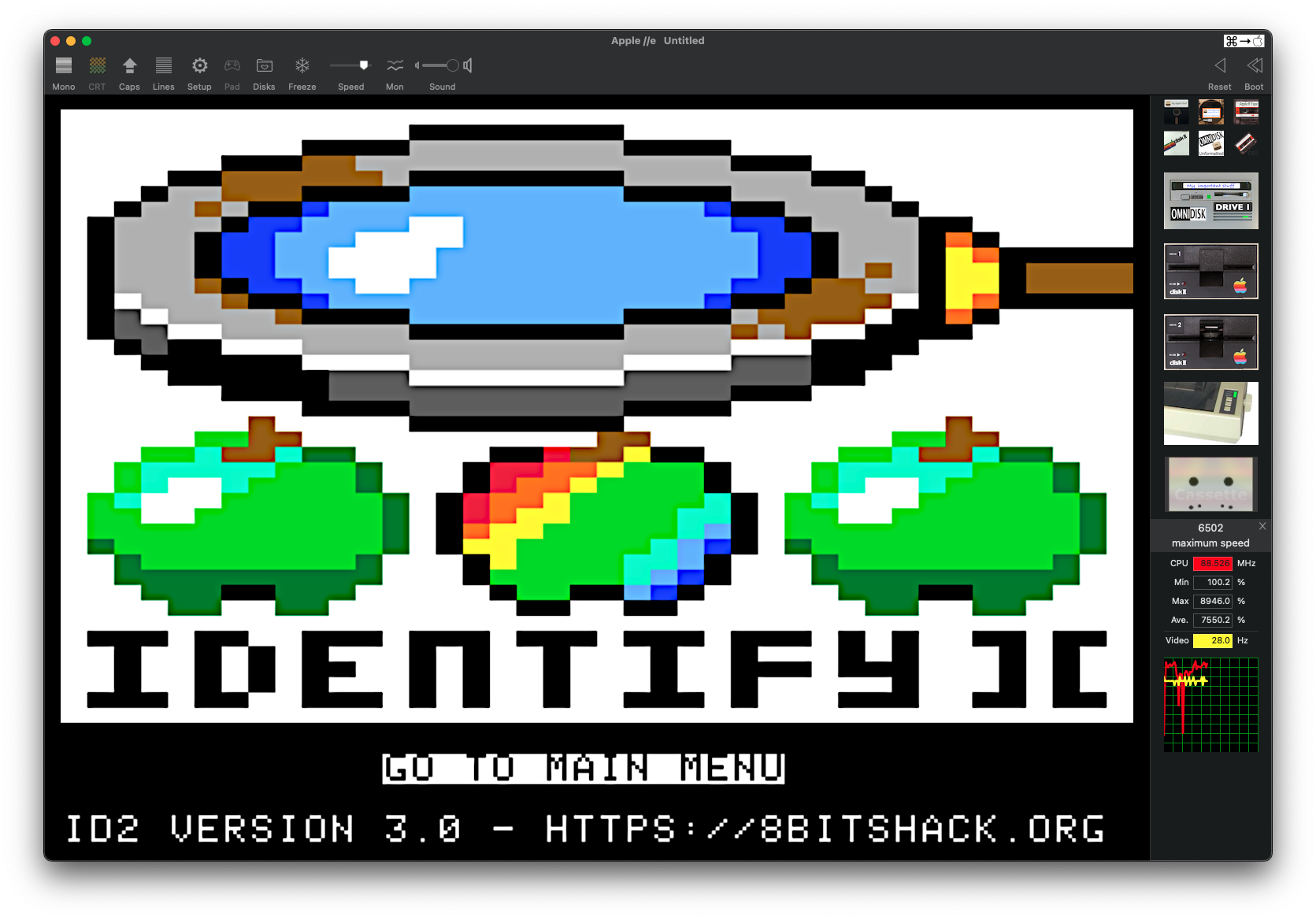
Identify-][ v.3.00 is an easy to use hardware detection tool for Apple II computers or better. The main program version requires 64 kB of memory and a floppy drive. However, there is also a 48 kB version and an audio file version for cassette use available.
The main software runs directly from a 5.25” or 3.5″ ProDOS floppy disk. The 48k version runs from a DOS 3.3 disk and is working on both – Integer Basic and AppleSoft machines. The detection scope of the 48 kB version is slightly reduced compared to the “full” 64 kB version. For the purists there is also a special cassette version of the software available.
After booting the disk the hardware detection will be performed automatically. After successful detection the user can cycle through the menu system and choose different detection result screens or other hardware test options. There is also a joystick test and a RAM test available.
Warning
Software downloads are available now! You can order the physical floppy version already but disks will be shipping starting from mid October 2023!
System Requirements
- All types of Apple II machines (48 kB RAM minimum)
- 3.5” or 5.25” disk drive or floppy emulator
- Cassette input port for tape version
Getting the Tool – check our webpage: https://8bitshack.org/post/id2300/
Detection Scope and Features
The software detects among others the following machine details:
- Machine Type:
- Apple ][, Apple ][+, Apple ][-J, Apple /// in ][+ emulation mode
- Apple //e, Apple //e enhanced, Apple //e option card
- Apple //c (all different ROM versions), Apple //c+
- Apple IIgs
- Franklin Ace 500 and 2000
- Laser 128
- Tiger Learning Computer
- heuristic unknown clone detection
- CPU:
- 6502, 65C02, R65C02 (Rockwell CPU)
- 65816
- 65C802 as a best guess if a 16-bit processor gets detected in an Apple //e
- RAM and RAM-cards:
- 48k RAM minimum (requires the 48 kB DSK-image or tape version!), 64 kB recommended and required for the full version!
- 16k Language Card
- Enhanced 80column card with 64k RAM
- SATURN RAM card
- RAMExpress / ZRAM
- RAMWorks
- Refresh rate: none / 50 Hz / 60 Hz
- Accelerators:
- FastChip (with special report panel)
- ZIPChip (with special report panel)
- AppleSqueezer (with special report panel)
- TranWarp GS (with special report panel)
- ZIP GSx
- Video Cards:
- VidHD
- Apple II VGA (V2Analog)
- Additional Detection Features:
- Joystick: yes / no
- Emulator: yes / no
- Clock: yes / no
- ROMX, ROMXe, ROMXc, ROMXc+: installed / not installed
- Slot Card Detection:
- Scanning slots #1 to #7 on every system
- Scanning slot #0 on the Apple ][ and ][+ machine types for RAM cards
- Gives feedback about empty slots or unidentified cards
- Scanning AUX slot on Apple //e, //c, IIgs computers for 80 column cards
- Slot Card Database
- Built-in database with over 120 cards for example:
- Apple2-IO-RPi Card,
- BOOTi Card,
- RamFactor Card,
- CFFA 2000/3000,
- Yellowstone Disk Controller,
- SCSI cards,
- MicroDrive Turbo,
- Serial cards,
- 80-column cards,
- Clock cards,
- and much much more!
- Built-in database with over 120 cards for example:
- User database with the possibility to manually enter up to 31 new cards that are not yet covered by the built-in database. There is also a database editor on the disk which allows you to identify and easily enter the card data to the user database. ID2 first checks the built-in database if the card can be identified and if not, the user database gets checked for identifying the unknown card.
- Extra: Tiny tool SLOTSUCKER from ID2 V.2.11 which reads the ROM footprint of a card has now been integrated into the database editor. You can suck the ROM data from slot #1 to #7 if you have an unidentified card and add this new card to the user database.
- SmartPort Sniffer
- Reads out device data from cards with SmartPort capabilities
- Tries to identify the connected ProDOS device and medium if possible
- Feedback about name and logical slot/drive if a medium is inserted
- Read-out of block size and medium usage statistic
- Joystick Justify
- Gives you full control over the joystick port of your machine
- Calibrate PDL(0) to PDL(3) as Joystick #1/#2
- Joystick trace field for coarse range checking of the paddle resistors
- Check button #0 to #2 for function
- Toggle annunciators #0 to #3 for testing connected devices
- Toggle the strobe $C04x
- RAM Review
- Test up to 128 kB of MAIN and AUX RAM – automatic detection of RAM configuration in your machine
- Up to 255 passes for burn-in tests
- 6 different tests performed on every single RAM byte
- Flipping every single bit of RAM for searching for stuck bits
- Test of the address lines of every RAM byte
- Error report of the failed detection byte and wrong bits